Learn
Short guides to RapidCAM. Each one was worked through in the real app, so the buttons are called what they are called on screen.
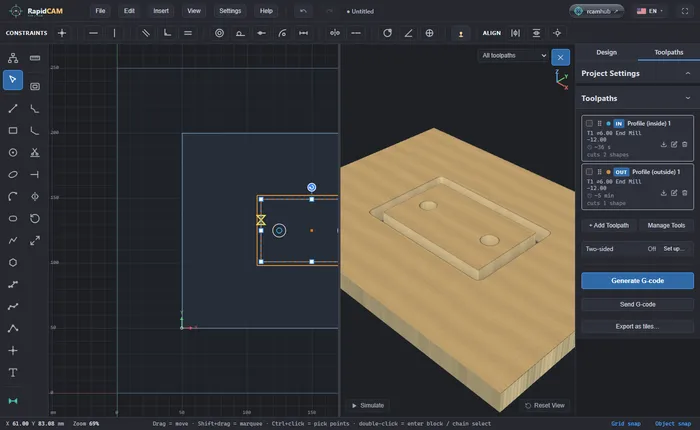
From an SVG to G-code
Import an SVG into RapidCAM, add toolpaths for the holes and the outline, preview the cut in 3D and export G-code for your CNC router. In your browser, nothing to install.
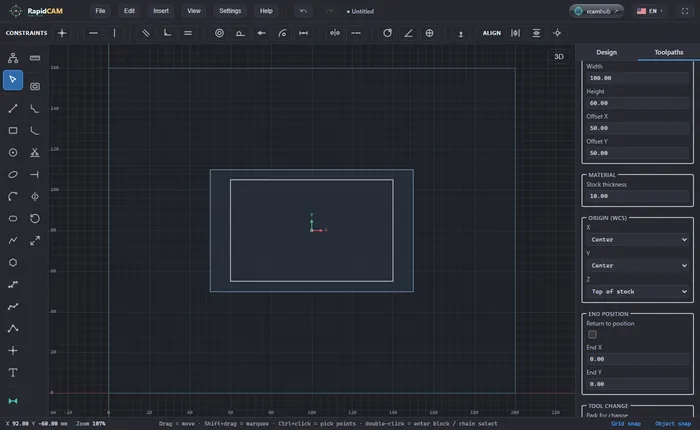
Set your zero: where your machine starts counting
Tell RapidCAM where your machine's zero is (a corner or the centre, the top of the stock or the bed), see what each choice does to the G-code, and set the same zero on your machine.
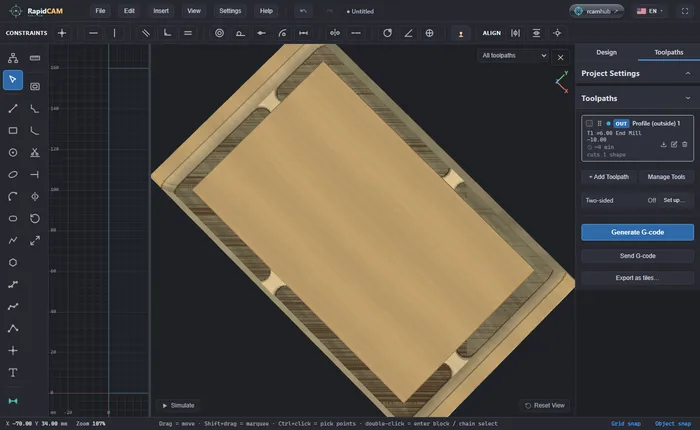
Hold the part down with tabs
Cut a part out of the sheet without it coming loose on the last pass: turn on tabs in an outside profile, see what each tab really leaves, and what RapidCAM says if they are too narrow.
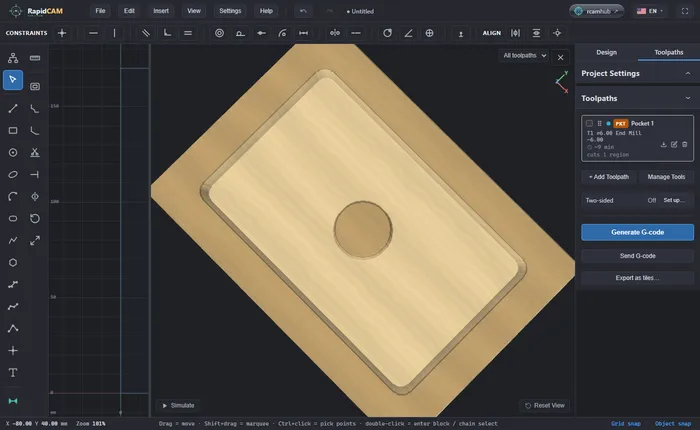
Cut a pocket from a DXF
Bring a DXF into RapidCAM, answer the units question, pocket a closed shape, and leave a boss standing in the middle the right way, then see what the cutter does if you pick it the wrong way.
Drill a ring of holes
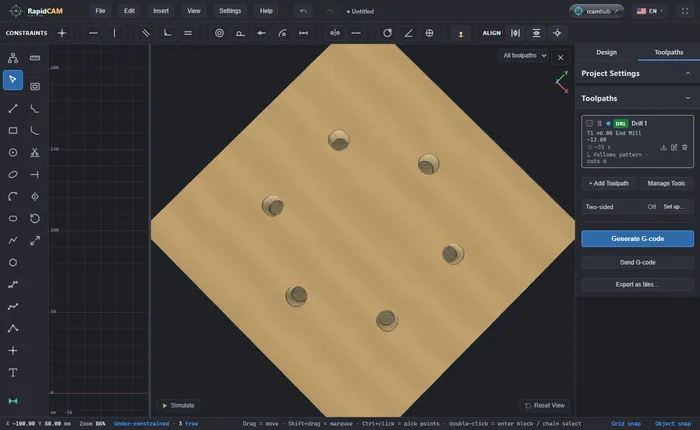
Draw one hole, repeat it round a centre with a Circular Pattern and drill them all, and avoid two silent mistakes: a pattern centred on the hole, and a hole the size of the tool, not the circle.
V-carve a sign
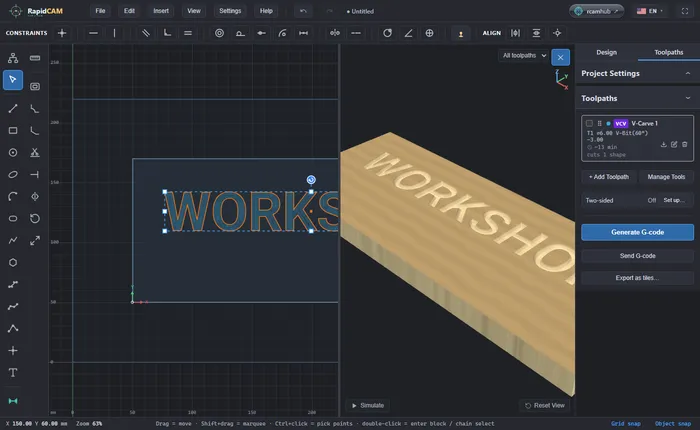
Type a word, V-carve it with a 60° V-bit so the letters have sloping walls that meet in a point, preview it in 3D and export G-code. In your browser, nothing to install.
A box that resizes with one number
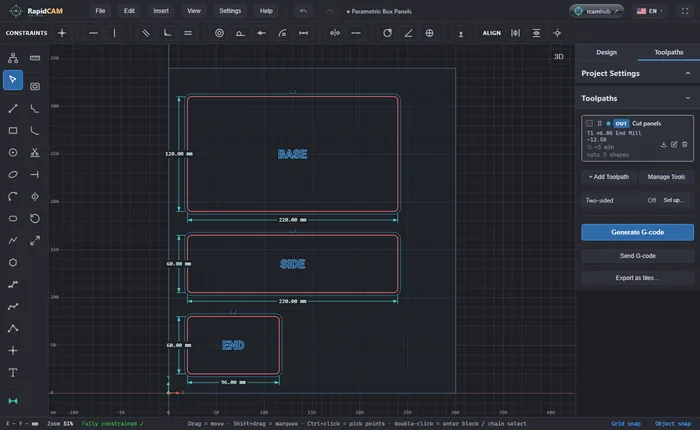
Open RapidCAM's Parametric Box, change one number to resize the whole box, change the plywood thickness and watch the panel and the cut depth follow, then export G-code.
Cut both sides of a part with a flip
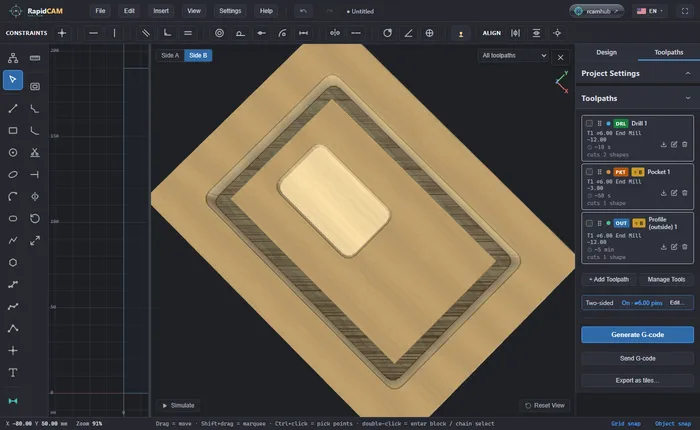
Machine a part on both faces: set up the flip and its registration pins, give each toolpath a face, preview side A and side B, and cut with one program per side. Keep the pins out of the part.
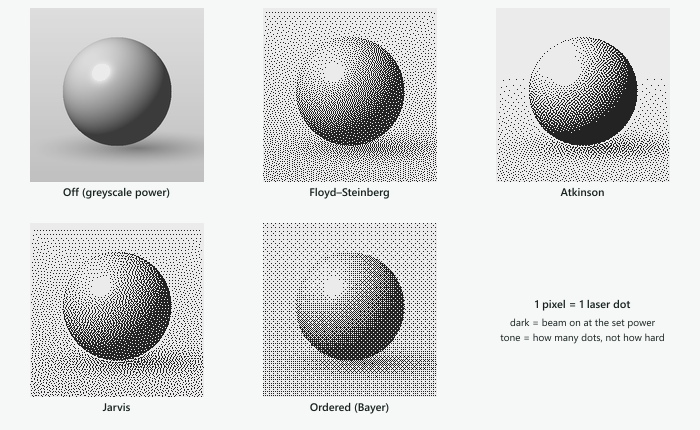
Engrave a photo with a laser
Drop a picture into RapidCAM, tune it, and engrave it with a laser as dots using Floyd–Steinberg, Atkinson, Jarvis or ordered dithering, then export G-code. In your browser, nothing to install.
Something you wanted to do and could not find? Open RapidCAM’s Help menu, or write to tutti.studios@gmail.com.