Open a tab. Start cutting.
No installer, no licence server, no account to have a look round. It runs in the browser — on the laptop in the workshop, on whatever machine you happen to be sitting at.
Draw a part that holds its own dimensions, watch it cut in 3D, then send the G-code to the machine on your bench — mills, 4th-axis rotary and lasers.
The desktop app is the same editor in its own window, and opens your .rcam files when you double-click them. Browse designs
From an idea to a program for your machine, in one browser tab.
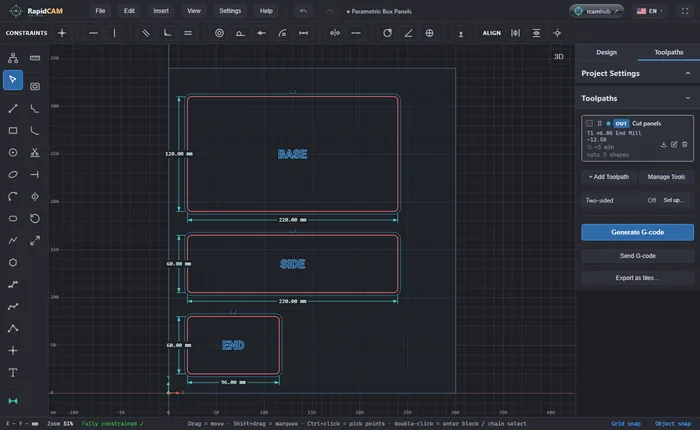
Sketch the part and give it real dimensions. Change a number later and everything that depends on it follows.
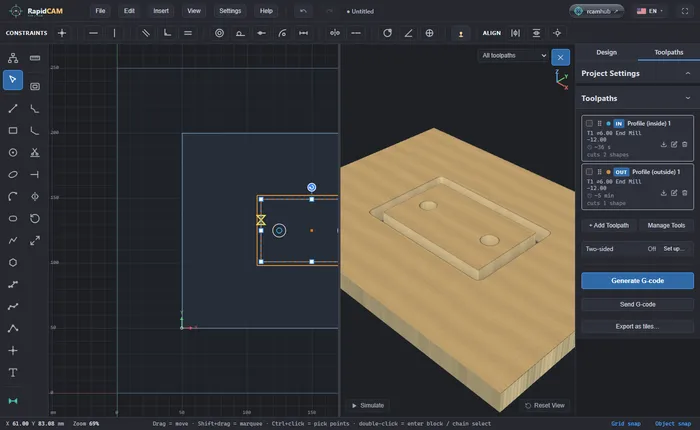
Add toolpaths and see the finished part in 3D, simulated from the same program your machine will run.
RapidCAM checks the program on the way out, then gives you G-code for your controller or posts it to gSender or ncSender.
Each one is a short guide, worked through in the real app.
The usual way costs two programs, two licences, and a drawing that stops being a design the moment it leaves the first one.
No installer, no licence server, no account to have a look round. It runs in the browser — on the laptop in the workshop, on whatever machine you happen to be sitting at.
Move from 6 mm ply to 12 and every joint re-solves itself. Tangency, symmetry, concentricity and equal lengths are held by a real constraint solver, so you are editing a design rather than redrawing it.
Drag them. This is a drawing of the Bolt Circle Flange example; in RapidCAM a real constraint solver does the work. Open the real flange in RapidCAM and change the same two numbers.
Geometry, stock, tools and toolpaths live in one document. Move a hole and the toolpath that cuts it moves with it — no export, no re-import, no wondering which version is the one on the machine.
The solver, the toolpaths and the 3D preview all run on your own machine. Your drawing never leaves it unless you decide to publish it here.
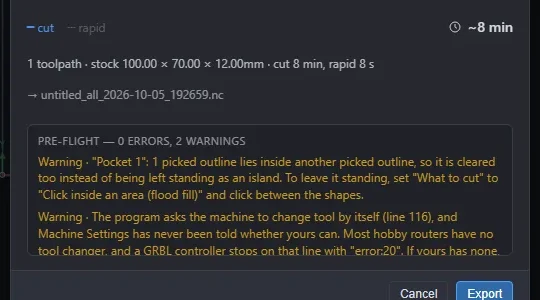
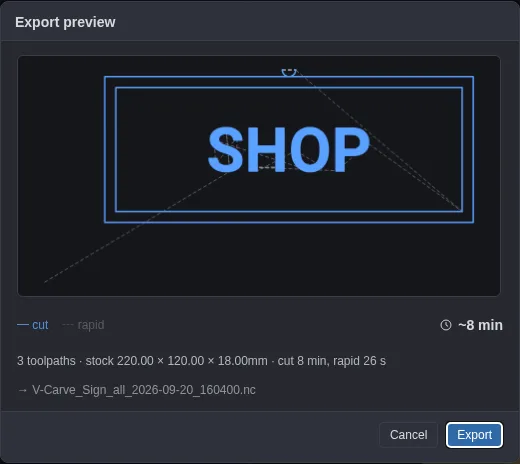
Every program is checked on the way out: rapids skimming below the stock, a straight plunge at cutting feed, a path through a clamp. Better a dialog now than a broken cutter later.
Plain JSON against a published schema. Diff it, commit it, script it, open it in ten years — not a binary that only ever made sense to one program.
From the first line to a finished program, without changing tools.
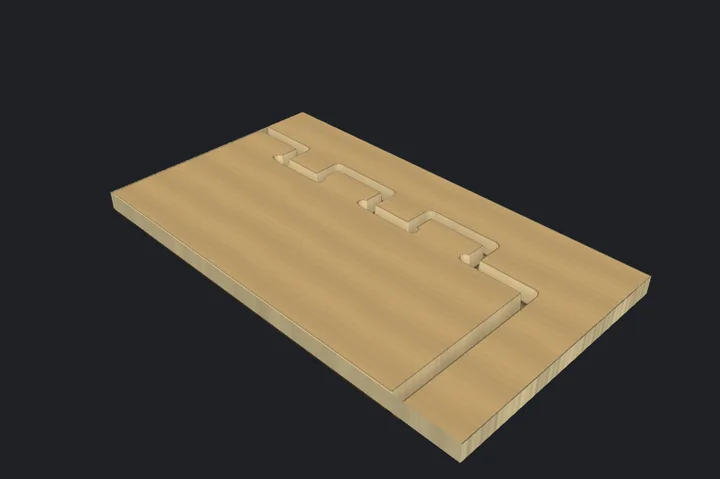
Profiles with tabs, dogbones and lead-in arcs, posting real G2/G3 curves instead of a thousand little straight lines. Pockets three ways — offset, adaptive trochoidal, or plain raster — clearing islands, and able to pick up only what a bigger cutter had to leave behind.
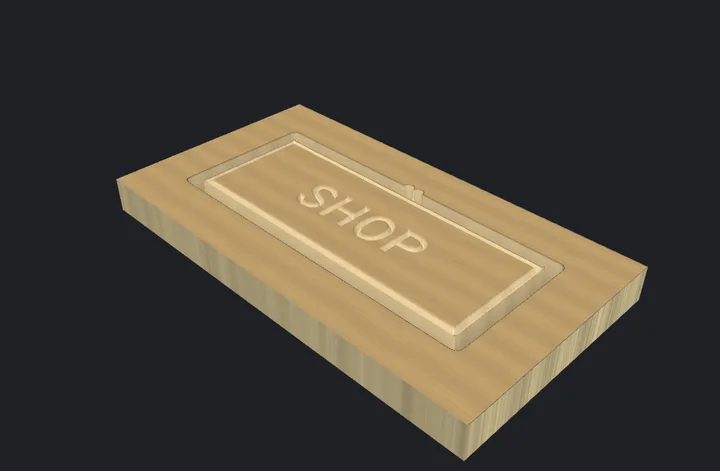
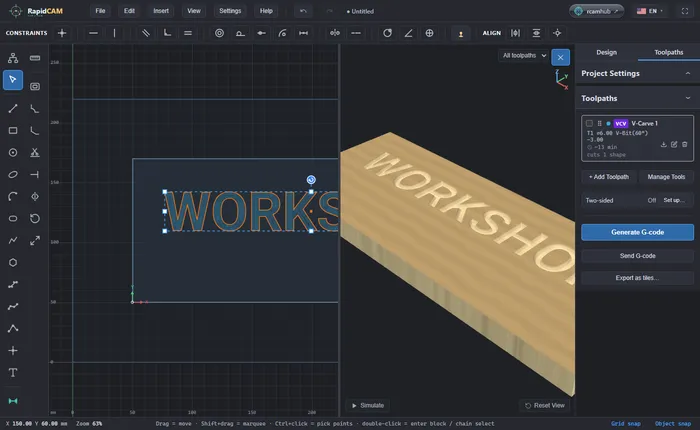
Letters that taper to a sharp spine. Inlay from a single operation: the pocket in one board, the plug in the other, mirrored to the correct hand — with the glue gap and the saw allowance already in the numbers.
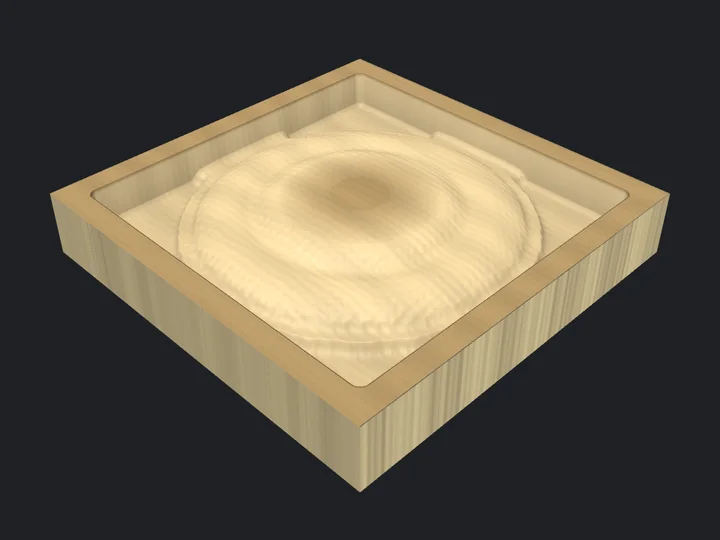
Drop in a greyscale image or an STL and cut it as depth. The bulk comes out in flat levels first and a ball-nose skims the last of it — the difference between a deep relief you can actually run and one you only admire.
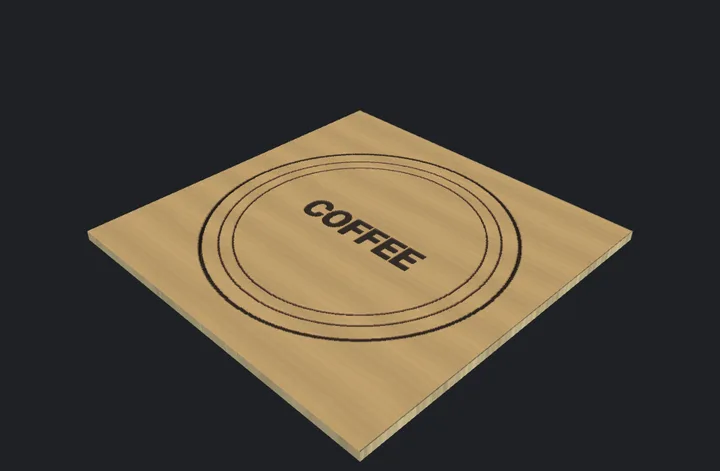
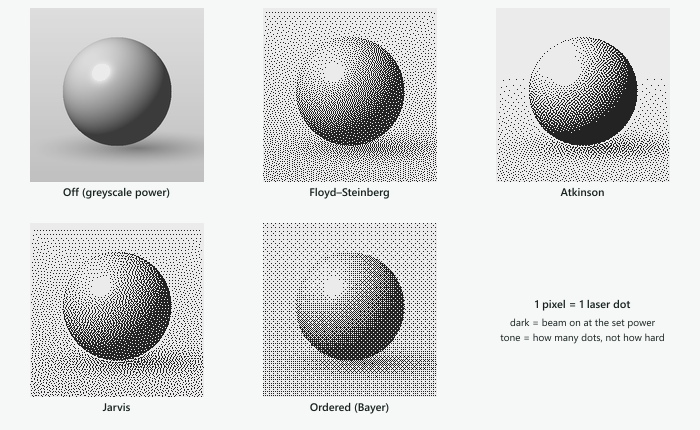
Cut with kerf compensation, score, engrave, flood-fill, and raster a photograph by modulating power pixel by pixel. GRBL, FluidNC, Marlin, Smoothieware, LinuxCNC. A material test sweeps power against speed so you can stop guessing at a new sheet.
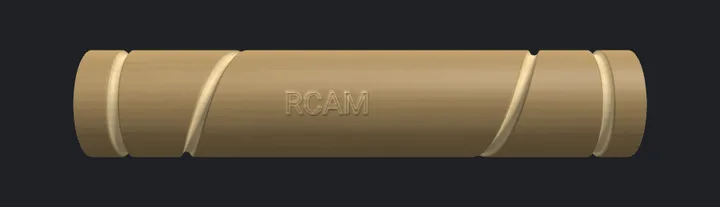
Switch to rotary and the canvas becomes the cylinder, unrolled. A straight line across it cuts a ring; a diagonal cuts a helix. It posts real A/B degrees with inverse-time feed, so the surface speed is the one you asked for.
Tag each toolpath top or bottom. Side A finishes by boring its own registration holes; side B comes out properly mirrored — leads, tabs and climb direction included — so the features meet through the middle of the part.
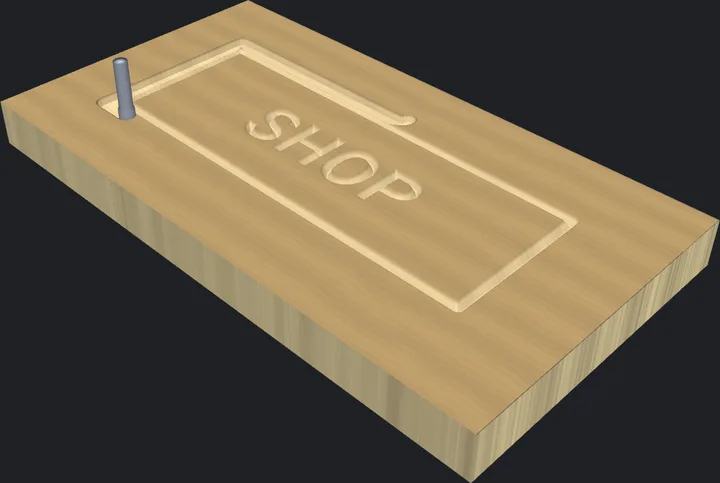
A 3D simulation of the real posted path, carving the stock in the order your machine will, with a scrubber and the current cutter named as the job changes tools. Rotary jobs render as a cylinder you can orbit underneath.
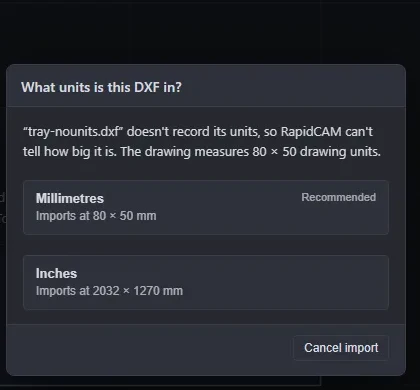
DXF with true arcs rather than tessellated mush, plus SVG, STL, images and Fusion 360 tool libraries. When a DXF does not say what units it is in, it asks — instead of landing your drawing 25.4× too small.
Post to a running gSender or ncSender across the bench — both sides of a two-sided job, in order — or save .nc files that show you a thumbnail in the file browser.
RapidCAM posts for the controller your machine runs, not for a brand: pick the family in Machine Settings and the program follows it.
Profiles, pockets, drilling, engraving, V-carving and relief carving, posted as real G2/G3 arcs.
Cut with kerf compensation, score, engrave, and raster a photograph by power.
The canvas becomes the cylinder, unrolled. Real A/B degrees with inverse-time feed.
Your old work comes with you. A DXF that does not say its units is asked about.
A program for your controller, or posted straight to a sender running across the bench.
In a browser tab with nothing to install, or as a desktop app.
A new program deserves respect: run it once with the spindle off and the tool raised well above the work before the first real cut. RapidCAM checks it on the way out, and you are still the one at the machine. Running something that is not listed? Tell us.
Every one of these is a live .rcam file — open it in RapidCAM, change a dimension, and the geometry re-solves. The pictures are 3D renders of the cut, made by RapidCAM itself.
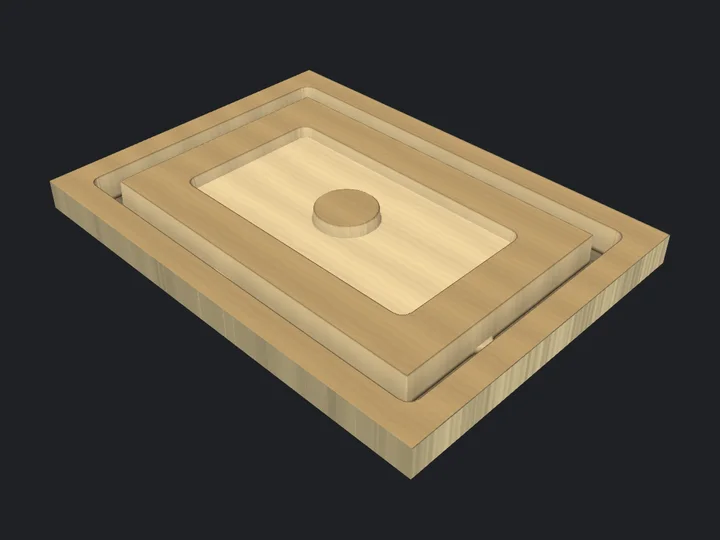
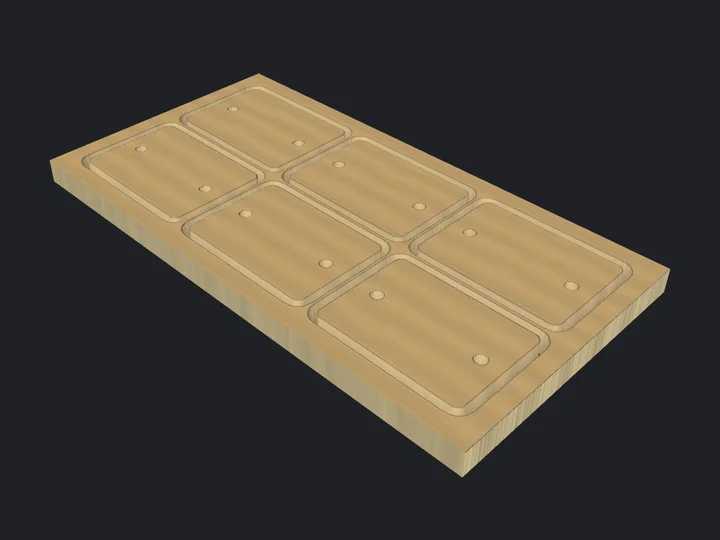
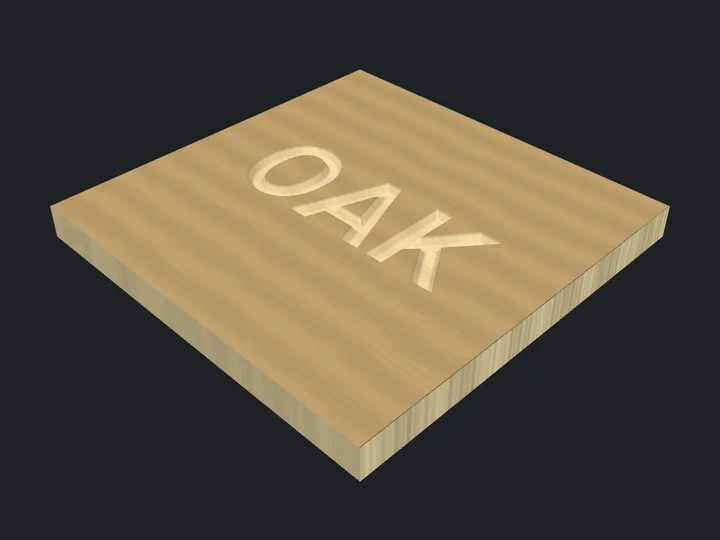
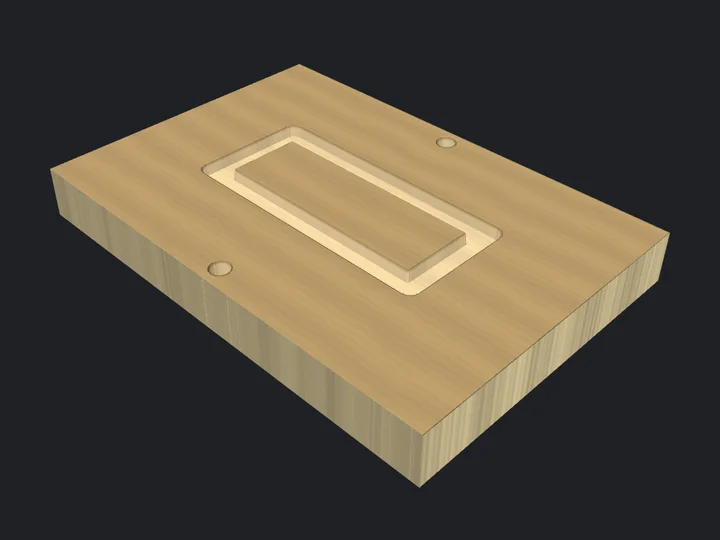
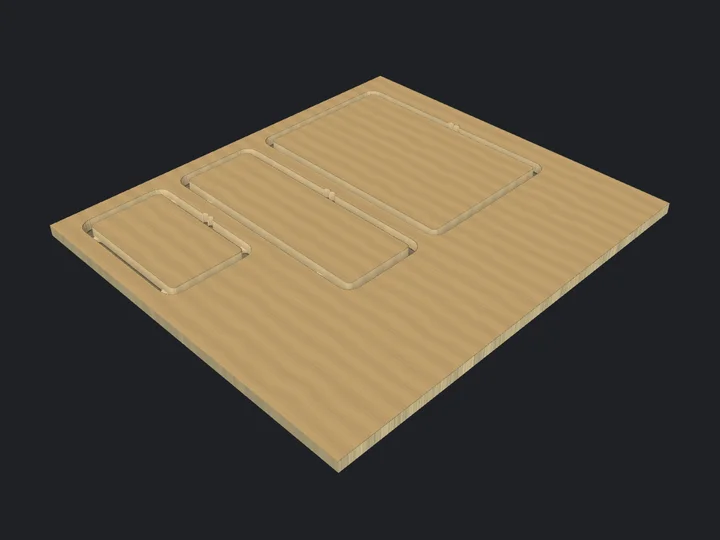
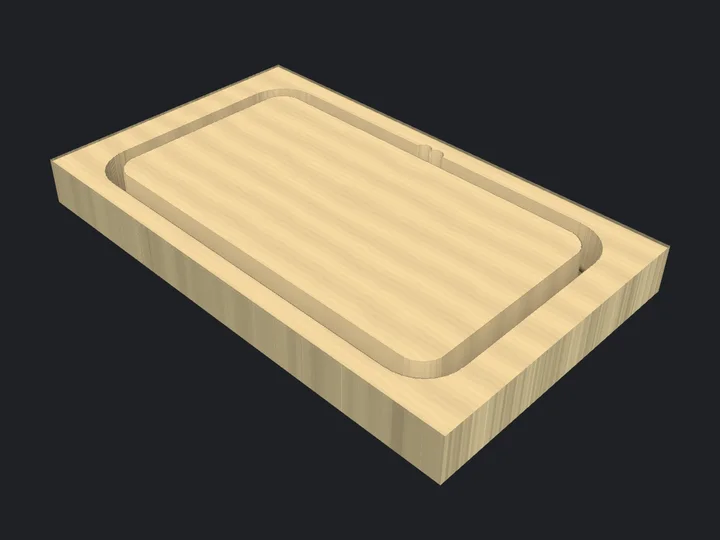
Publish the designs you make, and start from someone else’s instead of a blank canvas.
A downloaded .rcam is parametric. Change the stock thickness from 6 mm to 12 mm and the joints re-solve — you are not stuck with the dimensions someone else chose.
Filter by machine, stock thickness, work area and the cutter diameters a job actually needs. “What can I cut tonight?” becomes a query, not a browse.
Because RapidCAM can diff two designs shape by shape, a remix can show exactly what changed from the original — not a wall of altered JSON.
RapidCAM is updated often: 9 releases in the last 30 days, the latest (2.7.1) on 19 Oct. Here is what changed, in plain words.
Every release, with its download files, is on the releases page.
In your browser there is nothing to install, and nobody is going to ask you for an email address. Prefer it on your computer? There is a desktop app too.
A .rcam file is plain JSON with a published JSON Schema, designed so that people, scripts and AI tools can all author valid designs. These are its canonical URLs.
{
  "version": 3,
  "name": "Bolt Circle Flange",
  "displayUnit": "mm",
  "stockThickness": 8,
  "canvas": { "width": 150, "height": 130 },

  "variables": [
    { "name": "pcd", "expr": "80", "value": 80 },
    { "name": "holeDia", "expr": "8", "value": 8 }
  ],

  "dimensions": [
    { "type": "diameter", "value": 110, "driving": true }
    … 3 more dimensions
  ],

  "constraints": [
    { "type": "fixedPoint" }
    … 2 more constraints
  ],

  "entities": [
    … 8 circles, arcs and lines
  ],
  "patterns": [{ "kind": "circular", "count": 6 }]
}
/docs/rcam-format-v3.md | The authoring guide — constraint semantics, point-key vocabulary, CAM operations, and the gotchas a schema cannot express. |
/schema/rcam-v3.schema.json | JSON Schema, draft 2020-12. This URL is also the schema’s $id. |
/examples/index.json | The bundled example projects, each validated against the schema on every commit. |
/llms.txt | Entry point for AI agents. /llms-full.txt inlines everything as one document for tools that cannot follow links. |
/docs/version-control.md | Keeping designs in git — and rcam-merge.mjs, a merge driver that reconciles two edits by shape instead of by line. |